At a glance
- In this guide, we'll clarify the practical differences between Simple, Advanced, and Qualified electronic signatures once and for all, enabling you to choose the right one with confidence.
- Simple, Advanced, and Qualified Electronic Signatures: The Short Answer
- The Problem: Why is Choosing the Right Signature So Complicated?
- SES, AES, and QES: A Detailed Analysis of Each Solution
- YouKont was created to simplify these exact processes. We offer an intuitive platform to manage and digitally sign documents with the appropriate legal standing, without you needing to be a legal or tech expert.
Table of contents
- Simple, Advanced, and Qualified Electronic Signatures: The Short Answer
- The Problem: Why is Choosing the Right Signature So Complicated?
- SES, AES, and QES: A Detailed Analysis of Each Solution
- Common Mistakes to Avoid When Choosing an Electronic Signature
- Choosing the Right Signature Stress-Free: The Role of Software
- Legal Caveats: An Important Note
- Still Have Doubts About Simple Electronic Signatures?
- Frequently Asked Questions (FAQ)
In this guide, we'll clarify the practical differences between Simple, Advanced, and Qualified electronic signatures once and for all, enabling you to choose the right one with confidence.
YouKont was created to simplify these exact processes. We offer an intuitive platform to manage and digitally sign documents with the appropriate legal standing, without you needing to be a legal or tech expert.
Simple, Advanced, and Qualified Electronic Signatures: The Short Answer
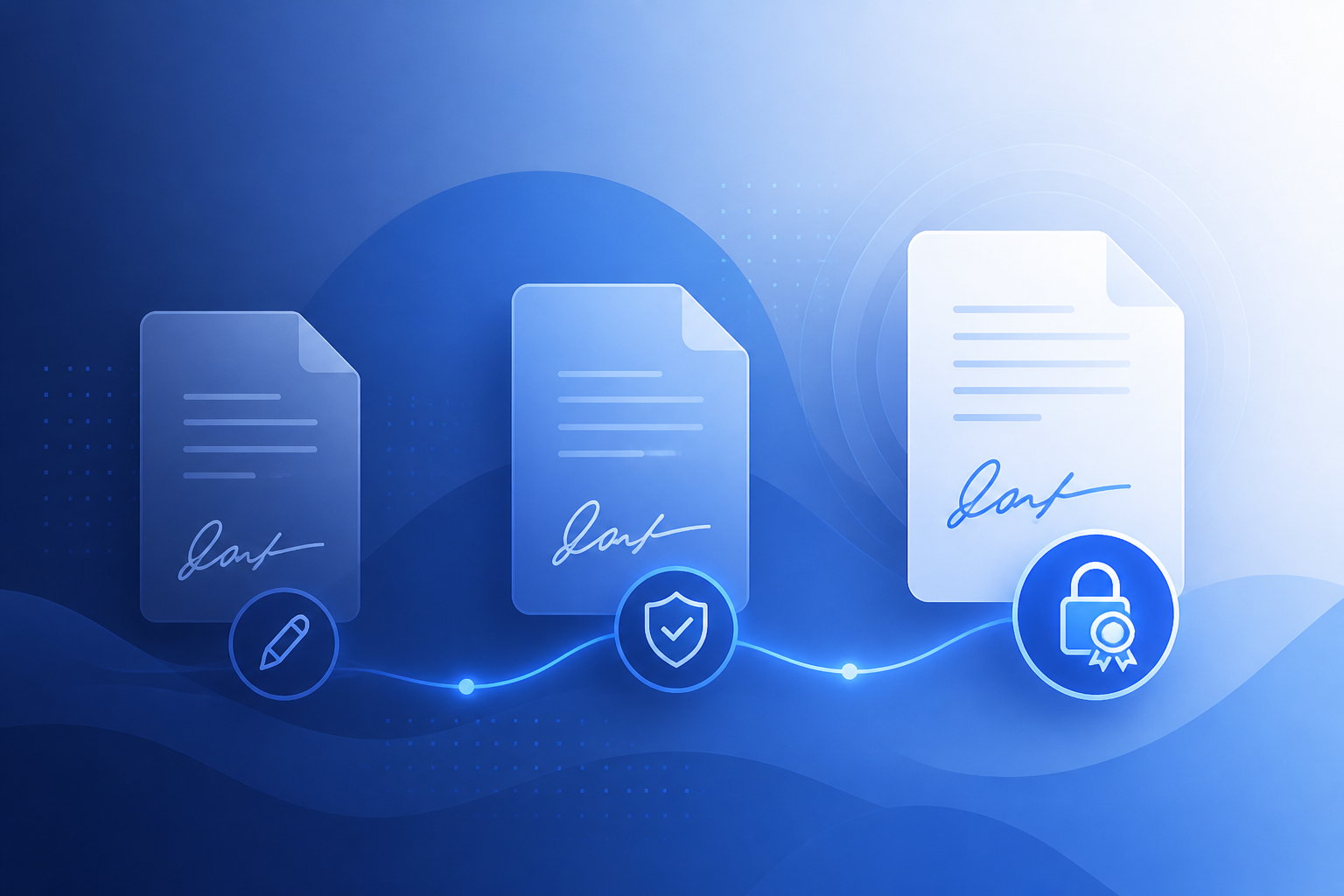
To understand the differences between a Simple (SES), Advanced (AES), and Qualified (QES) Electronic Signature, think of them as three increasing levels of security and legal weight, as defined by the European eIDAS regulation.
- Simple Electronic Signature (SES): This is the most basic level. It has no specific security requirements, and its legal standing is weak because it's easy to dispute. Examples include a typed name at the bottom of an email or ticking an "I agree to the terms" box.
- Advanced Electronic Signature (AES): This offers much stronger security guarantees. It must be uniquely linked to the signatory, be capable of identifying them, and ensure that any subsequent changes to the document are detectable. A common example is signing with a one-time password (OTP) sent via SMS. It has strong evidentiary value and is suitable for most business contracts.
- Qualified Electronic Signature (QES): This is the highest level. From a legal standpoint, it is the only type fully equivalent to a handwritten (or "wet") signature. It requires a qualified certificate issued by an accredited trust service provider and is created using a qualified signature creation device (like a smart card or a certified remote signature service).
The right choice depends on the type of document and its associated risk. For a holiday rental agreement, for instance, an AES is often the ideal solution to balance security with convenience, as highlighted in our guide on Documents for short-term rental property managers.
The Problem: Why is Choosing the Right Signature So Complicated?
For most professionals and businesses, the main hurdle isn't the technology itself, but the uncertainty. Many people ask questions like:
- "If I get an important quote signed with a simple signature, am I protected?"
- "Does this contract require a qualified signature, or is an advanced one enough?"
- "Will my client be able to sign this easily, or will they have to install complicated software?"
These doubts arise because the term "electronic signature" is often used generically, without distinguishing between SES, AES, and QES. The risk is significant: using a signature with insufficient legal weight (like an SES) for an important document (e.g., a client service agreement) can make it easy to challenge in a dispute.
On the other hand, demanding a QES when it's not strictly necessary can create needless friction for the signatory, slowing down or even derailing a deal. User experience is critical: a cumbersome signing process is a barrier to business.
SES, AES, and QES: A Detailed Analysis of Each Solution
Let's break down each type to understand when and how to use them.
Simple Electronic Signature (SES)
This is the most common and basic form of digital consent. It has no specific mechanisms to guarantee the signatory's authenticity or the document's integrity.
- How it works: Any electronic process that expresses consent can be considered an SES. For example: typing your name into a form, clicking an "I Accept" button, or using your standard email signature.
- Legal value: Very low. In a dispute, the burden of proof is on the party who requested the signature to demonstrate the signatory's identity and that the document wasn't altered. Its evidentiary value is freely assessed by a judge.
- When to use it: For low-risk documents with little to no financial value, where consent is more important than certain identity. Examples: accepting cookies, subscribing to a newsletter, acknowledging informational documents.
Advanced Electronic Signature (AES)
The AES strikes the right balance between security and user-friendliness for the vast majority of business documents. The eIDAS regulation sets out precise requirements.
- How it works: An AES must be:
- Uniquely linked to the signatory: The process identifies who is signing (e.g., through verification of an ID document and phone number).
- Capable of identifying the signatory: The data used to create the signature can trace back to their identity.
- Under the signatory's sole control: Only the signatory can initiate the signing process (e.g., by entering an OTP code received on their personal mobile phone).
- Linked to the data in such a way that any subsequent change is detectable: It's possible to verify if the document has been modified after signing.
- Legal value: High. An AES has strong evidentiary weight. In a dispute, the burden of proof is reversed: it is up to the signatory to prove they did not sign.
- When to use it: It's the ideal choice for most commercial agreements. Examples: supplier contracts, major sales quotes, employment contracts, agency agreements, and commercial leases. For those in real estate, an AES is perfect for managing Documents for short-term rental property managers quickly and securely.
Qualified Electronic Signature (QES)
The QES is the gold standard of electronic signatures. It is the only type that, by law, has a legal effect equivalent to a handwritten signature.
- How it works: It is based on a qualified certificate issued by an accredited certification authority and generated using a secure signature-creation device. This can be a physical device (a smart card or USB token) or a remote one (via strong authentication on a secure server).
- Legal value: Maximum. Equivalent to a handwritten signature, with the added benefits of providing a secure timestamp and guaranteeing the document's integrity.
- When to use it: It is legally required only in a few specific cases, such as certain transactions with public authorities or contracts for the transfer of property ownership. It can be chosen voluntarily for very high-value or high-risk transactions where the maximum possible legal guarantee is desired.
Common Mistakes to Avoid When Choosing an Electronic Signature
Clarity leads to better decisions. Here are a few mistakes to avoid:
Underestimating the risk (using SES for everything): Relying on a simple checkbox or email signature for a binding service contract is risky. If a problem arises, you may not be able to enforce your rights.
Generalising (thinking 'one signature fits all'): As we've seen, this isn't the case. Calling everything a "digital signature" fuels confusion. It's essential to know the differences to protect your business.
Over-securing (using QES when not needed): Requiring a qualified signature for a simple quote or privacy notice creates huge friction. The client may not have a signature device or be willing to go through the process, and you could lose the opportunity.
Ignoring the value of the Audit Trail: A good electronic signature platform doesn't just apply a signature; it generates a Certificate of Completion (or Audit Trail). This document tracks every single step of the process (sending, viewing, data entry, signing), providing robust, detailed proof that significantly strengthens the legal value of the agreement, especially for SES and AES.
Choosing the Right Signature Stress-Free: The Role of Software
Understanding the theory is the first step, but applying it in your day-to-day work can be time-consuming. This is where a platform like YouKont makes all the difference.
Advanced electronic signature software allows you to:
- Pre-configure signature workflows: You can decide that quotes over £5,000 require an AES, while viewing a catalogue only needs an SES. The user doesn't have to choose; they just follow a guided, secure path.
- Offer a simple user experience: The platform handles the technical complexity (like sending the OTP for an AES) transparently for the signatory. Your client just needs to read the document and follow a few simple steps on their smartphone or computer.
- Ensure compliant storage: Signed documents and their audit certificates are stored securely and in compliance with regulations, remaining accessible at all times.
- Track the entire process: You get a dashboard to monitor the status of all sent documents in real-time, with automatic reminders for those who haven't signed yet.
Instead of worrying about which signature to use every time, you can focus on your business, confident that your agreements are legally sound. Want to see how it works in practice? Start your free trial and discover how to streamline your contract management.
Legal Caveats: An Important Note
This article provides clear, practical guidance based on the European eIDAS regulation, which standardises electronic signatures across the EU. However, for documents of particular legal or financial significance (such as company deeds, property transactions, or wills), it is always best practice to consult your legal counsel to ensure you are meeting all specific formal requirements stipulated by local law.
Still Have Doubts About Simple Electronic Signatures?
The Simple Electronic Signature often raises questions, especially about its real-world effectiveness. Although it's the easiest to use, its low evidentiary value makes it unsuitable for many business contexts. For a more in-depth analysis, read our dedicated article: Simple Electronic Signature: Is it Legally Binding? What to Know Before Using One.
Frequently Asked Questions (FAQ)
Frequently asked questions
What's the main difference between an Advanced (AES) and a Qualified (QES) Electronic Signature?
The key difference lies in their legal value and creation method. A QES is the only type legally equivalent to a handwritten signature and requires a qualified certificate and device. An AES, while having strong evidentiary value, doesn't have this direct equivalence but is much easier to use (e.g., with an OTP code on a smartphone) and suitable for most contracts.
Can I use an electronic signature for an employment contract?
Yes. For most private sector employment contracts, an Advanced Electronic Signature (AES) is the most suitable solution. It guarantees the signatory's identity and the document's integrity, striking the right balance between security and ease of use for the new employee.
Is the signature I make on a courier's tablet an SES, AES, or QES?
In almost all cases, this is a Simple Electronic Signature (SES). It's used to confirm receipt of the parcel but lacks the security requirements (like certain identification of the signatory) to be considered advanced or qualified.
Do I always need a physical device like a USB key to sign a document digitally?
No. The need for a physical device (like a USB token or smart card) is historically associated with certain types of Qualified Electronic Signatures. Today, both 'remote' AES and QES don't require specific hardware. An AES just needs a smartphone to receive a code, while a remote QES follows a similar process but with stronger initial identity verification.
From scattered PDFs to signed, tracked documents
Simplify your contract management and sign documents with the right legal standing. Discover how YouKont can make your signature workflows faster, more secure, and more professional.
Start free for 14 daysNo credit card required.
Keep reading
Simple Electronic Signature: Is it Legally Binding? What to Know Before Using OneYouKont editorial team
Written by the YouKont team to help SMBs, sales teams and professionals better understand digital document management and simple electronic signatures (SES).
This guide is for informational purposes only and does not replace legal advice.